
Translation notice
This page was translated with machine translation and may contain inaccuracies. If you can help improve it, please open an issue or submit a pull request.
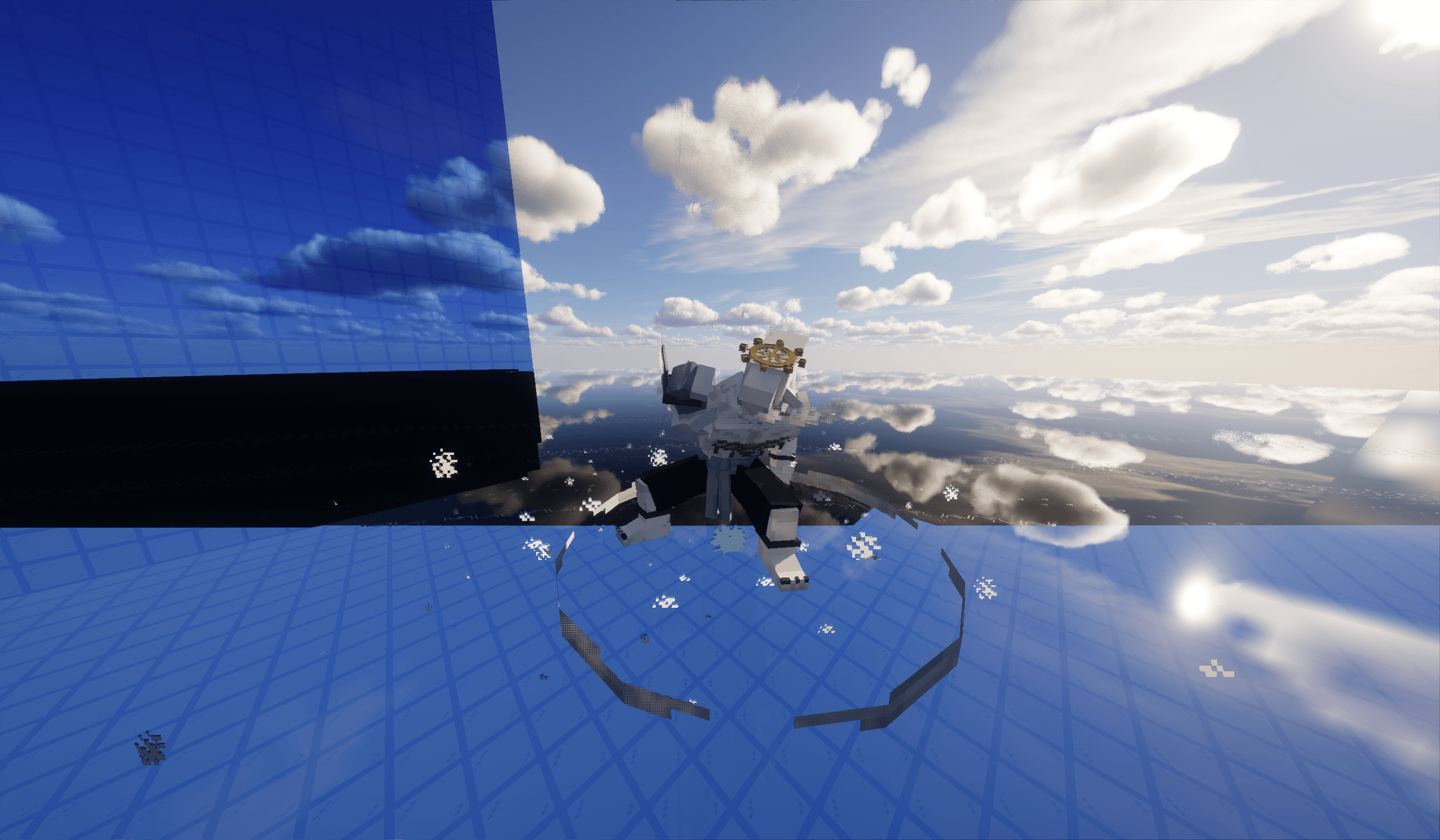
Animation controller based on new version model and model mapping
See
VisibleSequencer Helper for tools to assist in using the plug-in.
In version 1.21.11, the model system lifts the restriction that "blocks" can only rotate around a single axis, so that multiple entities are no longer required to build more complex models. Based on this feature, we can use Blockbench to create animations with the help of Java Block Sequencer plugin exports each frame of the animation as a separate model file.
Animation import
In model mapping file, throughcustom_model_dataFloating point value to control the display of model files with different serial numbers. In this way, just display entitycontainer.0 item applies the model mapping used for animation and dynamically modifies itcustom_model_data, you can call the animation model frame by frame in the game.
{
    "model": {
        "type": "range_dispatch",
        "property": "custom_model_data",
        "index": 0,
        "fallback": {
            "type": "model",
            "model": "jujutsu:item/megumi/makora/ambient/0"
        },
        "entries": [
            {
                "model": {
                    "type": "model",
                    "model": " jujutsu:item/megumi/makora/ambient/0"
                },
                "threshold": 0
            },
            {
                "model": {
                    "type": "model",
                    "model": " jujutsu:item/megumi/makora/ambient/1"
                },
                "threshold": 1
            },
            {
                "model": {
                    "type": "model",
                    "model": " jujutsu:item/megumi/makora/ambient/2"
                },
                "threshold": 2
            }
        ]
    }
}
animation controller
It is necessary to design a conditional control mechanism that does not cause conflicts to prevent subsequent model mapping from overwriting the previous mapping and prevent animation frames from skipping. The specific implementation is as follows:
#函数->load:
scoreboard objectives add tick1 dummy "计时器-控制动画播放的帧数"
scoreboard objectives add tick2 dummy "动画播放的最大帧数"
item decorator – maps scoreboard values to model data (cmd.json):
Available using set_custom_model_datafunction:
{
  "function": "set_custom_model_data",
  "floats": {
    "values": [
      {
        "type": "score",
        "score": "tick1",
        "target": "this",
        "scale": 1
      }
    ],
    "mode": "replace_all"
  }
}
item decorator – switch model mapping (model/animation name.json):
[
  {
    "function": "set_components",
    "components": {
      "item_model": "jujutsu:megumi/makora/ambient"
    }
  }
]
loop animation
#函数->animation/ambient: #具体动画控制器函数
scoreboard players add @s tick1 1
scoreboard players set @s tick2 24
execute if score @s tick1 > @s tick2 run scoreboard players set @s tick1 0 #循环
item modify entity @s container.0 jujutsu:cmd
item modify entity @s container.0 jujutsu: makora/ambient #更改模型映射
Play once/stop at last frame
#函数->animation/xxx/action
scoreboard players set @s tick2 24
item modify entity @s container.0 jujutsu: makora/ambient #更改模型映射#函数->animation/xxx/main
scoreboard players add @s tick1 1
item modify entity @s container.0 jujutsu:cmdSummary of advantages and disadvantages
advantage:
Significantly reduces performance overhead, all animations can be completed with only one presentation entity
The number of commands used is small and the logic is clear.
shortcoming:
Animation frame rate is limited to 20 fps and cannot be used like Animated Java to achieve smooth transitions through interpolation
When exporting a model using Java Block Sequencer, some blocks may have a certain dimension length that exceeds vanillaThe limitation of the grid leads to error blocks during the animation process.